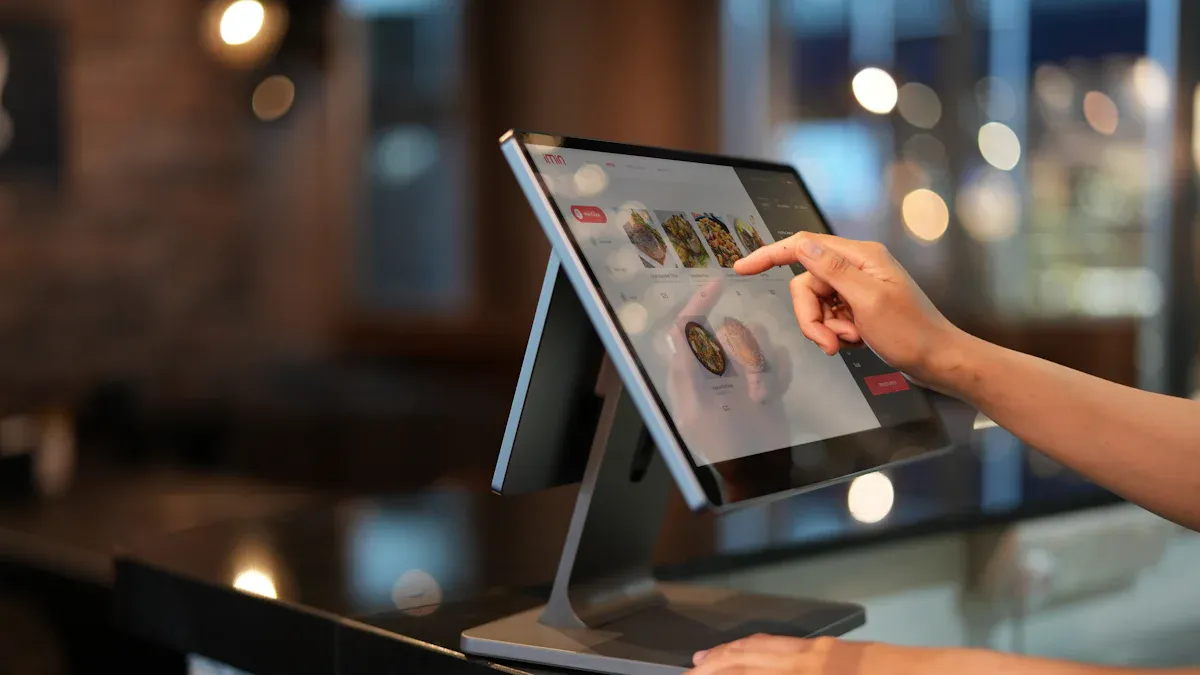
You get easier factory work with an industrial capacitive display. This technology lets you use touch controls, even with gloves on. The screen shows bright and clear images. You can see details easily. You can pick a size that fits your workspace.
Multi-touch gestures let you finish jobs faster.
Gesture controls help you work with less effort.
You can do more than one thing, like move robots and check quality. This helps you get more work done.
Feature | Industrial Capacitive Displays | Other Display Types |
|---|---|---|
Touch Sensitivity | High sensitivity, multi-touch | Lower sensitivity |
Input Speed | Faster input with direct touch | Slower input with peripherals |
Reliability in Harsh Conditions | Rugged design for extreme environments | Prone to damage in harsh conditions |
Long-Term Performance | Keeps working well for a long time | May not work well over time |
You can count on the screen to work in hard places. It is easy to clean and lasts a long time.
Industrial capacitive displays let you use touch controls with gloves. This helps keep workers safe and lets them work faster in factories.
These displays are very sensitive and can sense many touches at once. This helps people finish jobs quicker and make fewer mistakes. It makes the whole factory work better.
The strong build and tough materials help these displays work well in rough places. They do not break easily, so there is less time when machines stop and less money spent fixing them.
The screens show clear pictures and are very bright. Workers can see them well in any light. This helps them not make mistakes.
The displays come in different sizes and can connect to many things. This means they can fit in many work areas and help people work better.
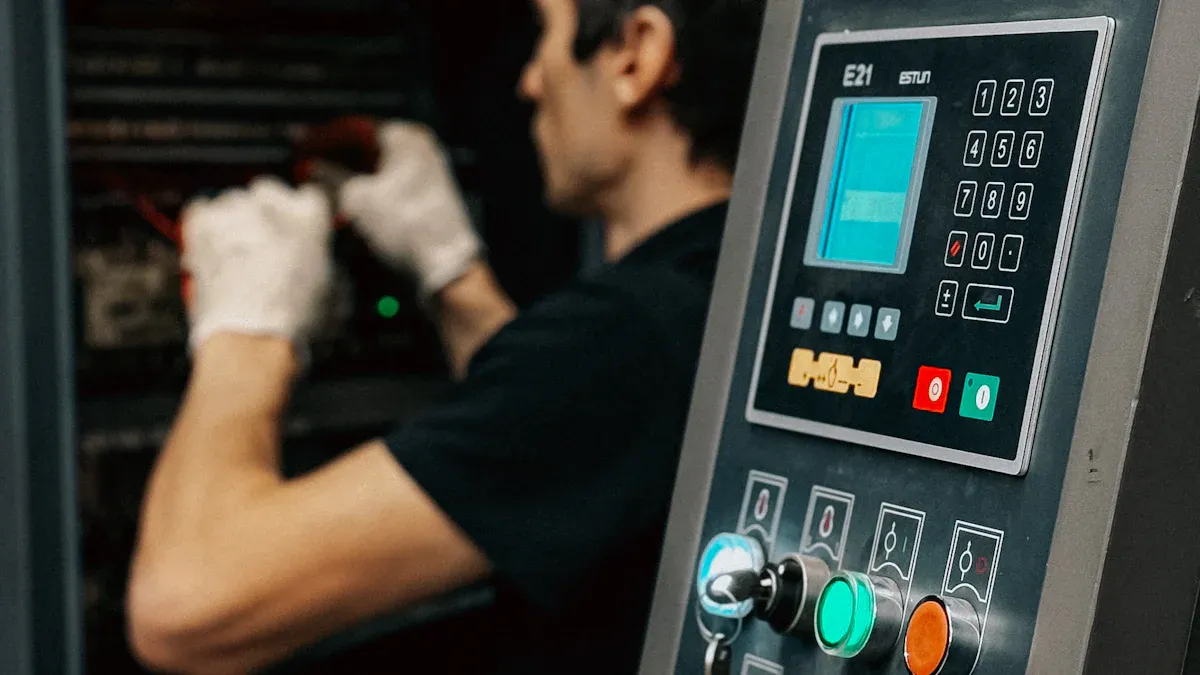
You can use this display with many gloves. This helps you work faster and safer. The screen senses your touch by checking electric field changes. Special controllers change sensitivity for gloves and wet hands. You get good touch even with thin nitrile, latex, or cut-resistant gloves. Chemical-resistant or insulated gloves may not work well. The table below shows how gloves work with the display:
Glove Type | Touch Compatibility | Sensitivity Impact |
|---|---|---|
Thin Nitrile Gloves | Excellent | Minimal impact on sensitivity |
Latex Gloves | Superior | Excellent PCAP compatibility |
Vinyl Gloves | Adequate | May require higher sensitivity settings |
Cut-Resistant Gloves | Compatible | Combines safety with touch functionality |
Chemical-Resistant Gloves | Limited | Requires resistive or infrared technology |
Insulated Electrical Gloves | Not Compatible | Prevents capacitive touch operation |
Cryogenic Gloves | Specialized | Requires specialized touch technology |
Cleanroom Gloves | Variable | Antistatic properties may affect capacitive operation |
Tip: If the screen does not respond well, try changing the calibration settings. This can make touch work better.
You need a display that works in tough places. Industrial capacitive display screens use strong materials. Polycarbonate and polyester help stop scratches and impacts. Anti-scratch coatings make the surface harder. This protects it from damage. Sealing keeps out dust and water. Your display works even in dirty or wet spots. You can trust it to pass tests for heat, shaking, and long use.
Testing Type | Description |
|---|---|
Environmental Testing | Temperature cycling, humidity exposure, thermal shock, corrosive atmosphere exposure |
Mechanical Testing | Impact resistance, vibration testing, mechanical durability verification |
Lifecycle Testing | Accelerated aging tests, long-term reliability verification |
You see clear images on this display, even in sunlight. High brightness makes the screen easy to read. The display shows sharp text and graphics. You do not miss important details. High contrast helps you see everything, even from far away. This keeps you safe and helps you avoid mistakes.
High brightness stops the screen from looking faded.
You can read the display outside or in bright rooms.
Text and graphics stay sharp and clear.
You can pick the size that fits your workspace. Industrial capacitive display screens come in many sizes. You can choose small or large screens. You can pick the shape and aspect ratio you need. The display connects to machines with USB, HDMI, or Wi-Fi. You can put the screen on a wall, desk, or machine. This helps you set up your factory the way you want.
Customization Option | Description |
|---|---|
Custom Sizing | Matches the display to specific machines or workspaces |
Aspect Ratio Customization | Supports wide or tall screens for different applications |
Wireless Integration | Enables remote control and monitoring |
Mounting options include VESA, wall, and desktop brackets.
Connectivity ports include USB, HDMI, DisplayPort, and serial ports.
You can add Wi-Fi or SD card slots for more features.
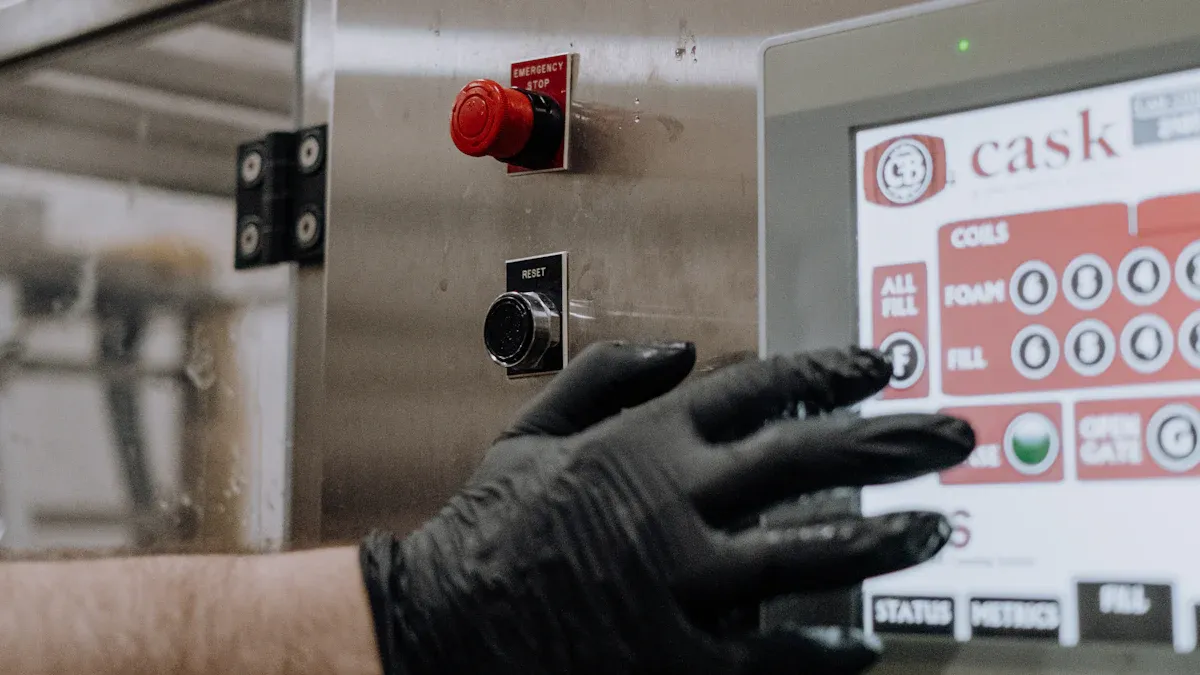
You need controls that work fast and well. Industrial capacitive display technology gives you quick touch. You can tap, swipe, or use more than one finger. The screen reacts in less than 10 milliseconds. This speed helps you make changes right away. You do not have to wait for the system.
Metric | Resistive Screen | Capacitive Screen |
|---|---|---|
Touch Accuracy | 85–90% | 98%+ |
Response Time | 10–20 ms | 3–8 ms |
Misoperations Reduced | N/A | 75% |
You notice the difference every day at work. Using a capacitive screen means you make fewer mistakes. You can fix problems faster. You do not waste time waiting for the screen. Your production line moves faster and you finish tasks on time.
Faster actions mean less downtime.
You get feedback right away and can adjust quickly.
You can solve problems before they slow you down.
You want a display that is easy to clean and works well. Industrial capacitive displays have smooth glass surfaces. You can wipe them with a microfiber cloth. This keeps dust and dirt away. You do not need special cleaners. Gentle wiping keeps the screen clear.
Feature | Description |
|---|---|
Regular Cleaning | Stops dirt from blocking your view or touch |
Microfiber Cloths | Clean without scratching the surface |
Powering Down | Keeps you safe and prevents accidental touches during cleaning |
Circular Wiping Motions | Avoids streaks and covers the whole screen |
Avoiding Abrasives | Protects the glass and keeps touch working well |
Anti-Static Solutions | Reduces dust buildup in busy factory areas |
You do not have to worry about repairs often. Strong glass and sealed design keep the display working for a long time. You spend less money on fixing it. You also avoid downtime because the screen stays reliable.
The smooth surface is easy to disinfect.
Less dirt means fewer touch problems.
Durable design means fewer repairs and lower costs.
Tip: Clean your display often to keep it working well. Use gentle cleaners and soft cloths for the longest life.
You want controls that are easy to use. Industrial capacitive displays have simple menus you can see. You touch icons or swipe to move between screens. You do not need to remember hard commands. This makes your job easier and helps you learn new tasks quickly.
Design Element | How It Helps You |
|---|---|
Robust Glass Construction | Keeps you safe and the display strong |
Surface Treatments | Makes the screen easy to read in any light |
Optimized Sensor Design | Lets you use gloves without losing touch accuracy |
Advanced Gesture Recognition | Supports swipes and pinches for faster control |
Gesture controls help your hands feel less tired.
You work faster because controls match your movements.
You enter data directly and make fewer mistakes.
Real-time feedback helps you check your work.
You finish tasks with fewer errors. You do not need long training. The display helps you start right away and keeps you productive.
Evidence Description | Impact on Operations |
|---|---|
Enhanced user experiences through intuitive interfaces | Faster task completion and less training needed |
Multi-touch for complex process control | Fewer operator errors during important procedures |
Integration with automation systems | Quicker responses and easier training |
Note: Using an industrial capacitive display gives you a tool that helps you work smarter, not harder.
When you use an industrial capacitive display, your work changes a lot. You finish jobs faster and make fewer mistakes. The touch screen lets you enter data quickly. You can check information right away. You do not need extra tools or buttons. This saves time and helps you focus on your work.
Here are some ways factories made their work better:
Industry | Implementation Details | Outcomes |
|---|---|---|
Logistics | Workers used strong tablets with barcode scanning in warehouses. | Handling time went down. Warehouse work got faster. |
Manufacturing | Tablets were put on assembly lines for blueprints and instructions. | Production stopped less often. More products were made. |
Construction | Tablets helped with safety checks and project management. | Work was safer. Projects finished sooner. People talked to each other more easily. |
You get more work done and make fewer mistakes. You also spend less money fixing the display because it is easy to clean.
You need a display that works in tough places. Industrial capacitive displays keep working in dust, water, and hot or cold temperatures. You do not have to worry about the screen breaking during busy times.
Feature | Description |
|---|---|
Rugged Construction | Works in dirty, wet, hot, or cold places. |
Environmental Sealing | Has IP65 and IP67 ratings for dust and water. |
Temperature Tolerance | Runs from -20°C to 70°C without trouble. |
Impact Resistance | Handles shaking and bumps. |
You can trust your display to keep working. This means less waiting and more time to do your job. Real-time monitoring helps you find problems early and fix them fast.
You feel better and more confident when you use a touch screen that works well. The display fits how you want to work. You learn new jobs faster because the controls are simple. You do not need long training.
Touch screens make your job easier and meet your needs.
You spend less time learning and more time working.
The design helps your hands and eyes feel less tired.
You feel happy using new technology that helps you do well.
When your company gives you good tools and listens to you, you feel important. This helps everyone work together and feel good about their jobs.
You might wonder how these two screens are different. Both help you control machines, but they work in their own ways. Capacitive screens use electricity from your fingers to sense touch. Resistive screens need you to press down to work.
Here is a table that shows the main differences:
Feature | Capacitive Touch Panel | Resistive Touch Panel |
|---|---|---|
Sensitivity | High, supports multi-touch | Moderate, works with gloves |
Durability | Scratch-resistant glass | Handles physical impact |
Input Options | Bare fingers, some gloves | Fingers, gloves, styluses |
Visibility | Good in sunlight | May look dull in bright light |
Cost | Higher upfront cost | Lower initial investment |
Capacitive screens give you fast and accurate touch. You can swipe or pinch to use gestures. Resistive screens work with any object, but they do not feel as smooth or quick.
Tip: Pick capacitive if you want speed and clear images. Choose resistive if you need a cheaper screen for tough jobs.
Traditional panels use plastic and can lose quality after a while. Capacitive displays use strong glass that resists scratches and chemicals. The screen stays clear and easy to read.
Multi-touch lets you use more fingers to control things.
The screen does not need to be recalibrated.
You see sharp images every day.
Feature | Capacitive Displays | Traditional Panels |
|---|---|---|
Material | Glass, scratch-resistant | Plastic, can get damaged |
Performance | Stays accurate and fast | May slow down or break |
Visual Clarity | High, does not fade | May lose clarity over time |
You spend less time fixing problems. You also get a better experience when you use the screen.
Capacitive displays cost more at first. But you save money later. These screens last longer and need fewer repairs. You do not have to stop work for maintenance as much.
Aspect | Capacitive Displays | Resistive Displays |
|---|---|---|
Initial Purchase Costs | Higher | Lower |
Maintenance Costs | Lower, lasts longer | Higher, needs more repairs |
Total Cost of Ownership | Lower for 24/7 use | Higher due to downtime |
You get more value from a capacitive display. It keeps working when you need it most. This helps your factory run well and saves money over time.
Industrial capacitive displays help you work faster and make fewer mistakes. You get a strong screen that lasts a long time and stays clear in any light. These displays keep your factory running smoothly. If you want better results and less downtime, you should consider this technology.
Looking ahead, you will see new trends:
Touch screens will connect with more smart devices.
Displays will support augmented reality for better control.
Flexible screens will fit more spaces.
Energy use will drop as designs improve.
You get stronger glass, better sealing, and higher brightness. These displays work in tough places. You can use them with gloves. Regular touch screens do not last as long in factories.
Yes, you can. High brightness and anti-glare coatings help you see the screen in sunlight. Sealed designs keep out dust and water. You get clear images outside.
You wipe the surface with a soft, dry cloth. For sticky spots, use a little water or mild cleaner. Avoid harsh chemicals. > Tip: Power off the display before cleaning for safety.
Thick gloves may reduce touch sensitivity. You can adjust the screen’s settings for better response. Some gloves, like insulated ones, may not work. Try thinner gloves for best results.
Please leave a message, we will get in touch with you as soon as possible!


2nd Floor, Building A3, Southern Pearl Technology Park, Yingtai Road, Longhua District, Shenzhen, Guangdong


