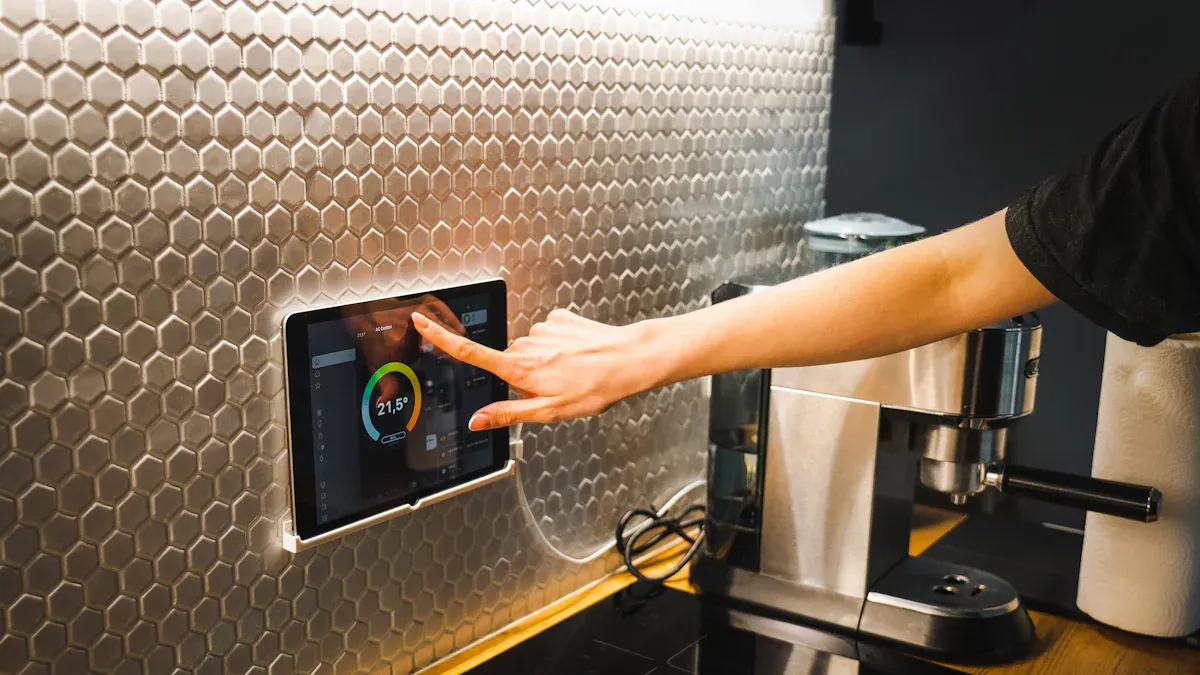
You can make your daily industrial jobs easier with industrial capacitive touch screens. These screens react fast to what you do, so you finish work quicker and make fewer mistakes. You get a tough design that works well in hard places and with lots of use. Multi-touch features let you do tricky moves easily.
Great responsiveness means you wait less and get more done.
Strong build makes sure it works well in rough places.
Easy connection with automation systems helps your work and makes using it better.
Industrial capacitive touch screens help you work faster. They respond quickly, so you finish jobs sooner and make fewer mistakes. The strong design lets these screens work in tough places. They can handle dust, water, and lots of use. Multi-touch lets you use more than one finger at once. This helps you control machines and enter data fast. All-in-one screens are easy to set up. You do not need extra devices, so you save time and space at work. Picking the right size and resolution helps you see better. This makes your work more correct and helps you choose well.
Industrial capacitive touch displays use advanced technology. These screens let you tap, swipe, or pinch with many fingers. The 10-point projected capacitive touch helps you do more at once. You see results fast because the response time is only 5 milliseconds. The LED panel makes images bright and clear. You can use USB 2.0 or 3.0 to move data quickly. These displays last up to 30,000 hours, so you do not need to replace them often.
Tip: Multi-touch sensors help you use gestures to control machines or enter data faster.
Here is a table that lists the main technical specifications:
Feature | Specification |
|---|---|
Display Resolution | 1920×1080P (Full HD) |
Touch Technology | 10-point projected capacitive |
Response Time | 5 ms |
Brightness | ≥300 cd/m² |
Panel Type | LED (a-Si TFT-LCD WLED backlight) |
Size | 43 inch (16:9) |
Lifetime | 30,000 hours |
Communication | USB 2.0, 3.0 |
Full HD resolution lets you see every detail. The 1920x1080 display shows sharp graphics and clear data. This helps you find problems and make choices fast. The screen supports 10-point touch, so you can use complex controls easily. People use these displays in factories, healthcare, and stores. High-definition visuals make your work easier and more accurate.
The slim glass front stands out right away. The planar design looks modern and fits in small spaces. You can pick open frame options for custom setups. The slim shape makes cleaning easy and keeps dust away. The strong screen can handle heavy use in tough places.
All-in-one integration saves you time. These displays work with Windows 10 and have built-in USB hubs, webcams, and microphones. You do not need extra devices. You can choose from sizes like 13", 22", 24", and 27" to fit your space. The all-in-one design stops compatibility issues and makes setup simple. You get everything you need for your industrial capacitive touch work.
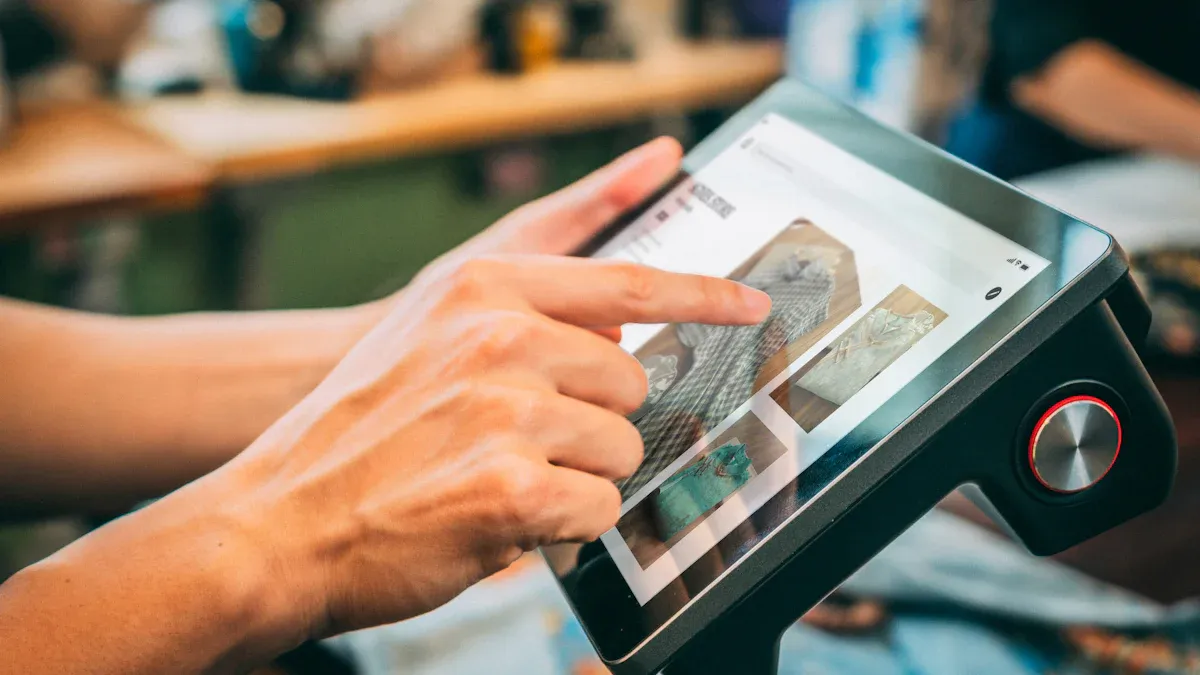
Industrial capacitive touch screens make machines easier to use. The screen feels simple and natural. You can learn how to use it fast. When you touch the screen, you see results right away. This helps you find problems quickly. You can change the screen settings for your own jobs. This means you work faster and make fewer mistakes.
Feature | Impact on Productivity | Impact on Errors |
|---|---|---|
Intuitive Interface | Reduces learning curve for operators | Minimizes user mistakes |
Real-time Feedback | Enables quick identification of issues | Reduces chances of overlooking problems |
Customization Options | Allows tailored settings for tasks | Enhances accuracy in operations |
High-resolution screens show pictures and words very clearly. You can read plans and see live data without trouble. Seeing things better helps you spot mistakes and fix them.
These screens let you use many fingers at once. You can zoom in, turn, or swipe fast. This makes it easy to control machines and type in data. You do things much faster than with single-touch screens.
Parameter | Resistive | Capacitive | Advantage | Industrial Impact |
|---|---|---|---|---|
Multi-touch | Single point | 10+ points | Capacitive | Modern gestures; faster workflows |
Multi-touch lets you do many things at the same time.
You do not have to wait for each step to finish.
New gestures make your work go smoothly.
These screens are made to last in hard places. They work in hot or cold weather. Some models can handle even tougher spots. The screens keep out water and dust, so you can use them almost anywhere. They also pass tests for static and electric noise.
Projected capacitive touch screens block dust and water.
Special coatings stop scratches and fingerprints.
Strong glass keeps the screen safe from hits.
These things help the screens work well in factories, warehouses, and outside.
You can set up these screens very quickly. Most do not need extra software. Just plug them in and start using them. The all-in-one design saves space and keeps your area neat. You spend less time fixing or installing them.
Tough screens mean you pay less for repairs.
Fewer problems mean your machines stop less often.
Lower costs help your business run better.
Capacitive touch screens cost more at first, but you save money later. You do not need to buy new ones as often as old screens. In three to five years, you save money because you do not fix or replace them much.
Technology Type | Cost Comparison | Long-term Value |
|---|---|---|
Capacitive | Higher initial cost but better durability and user experience | Better long-term value due to reduced maintenance |
Resistive | 20-40% less expensive for basic applications | Lacks advanced features, may incur higher maintenance costs |
Tip: Picking industrial capacitive touch screens helps your machines work longer and better.
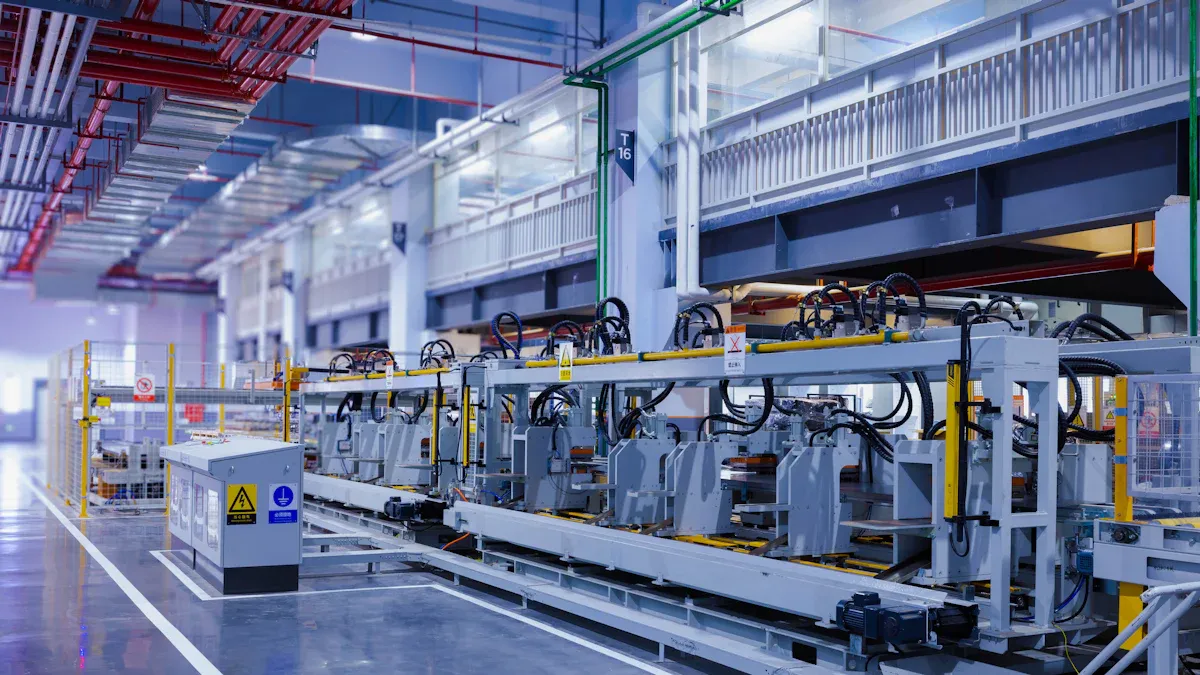
Industrial capacitive touch screens help control machines in factories. They take the place of old buttons and switches. The screens are easy to use and let you make changes fast. You can connect them to control systems and see live data. This helps you fix problems right away. Many factories have 15% less downtime now. Process management is better too. These screens help with Industry 4.0 by making data collection simple. You can also check machines from far away.
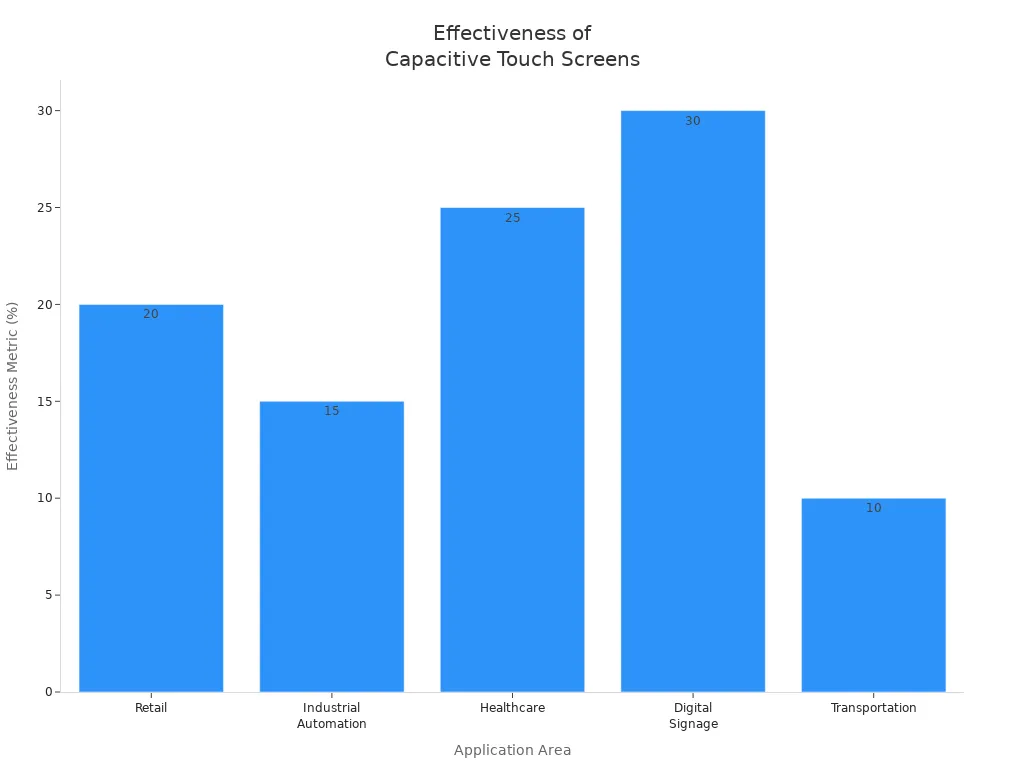
These screens work well in control panels and kiosks. The glass is strong and does not scratch easily. You always see clear pictures and get quick responses. You can use gestures like pinch or swipe. Cleaning the screens is easy, and they last a long time. Dust and oil do not cause problems. The screens work in tough places with lots of shaking or water.
Very strong
Clear images
Use many fingers
Quick touch response
Easy to care for
Lasts for years
Looks modern
You can get custom screens for your special needs. Companies can change features and design for you. They can also adjust the electronics for hard places. You can ask for changes to fit your job rules. Custom panels give you more choices and help you follow safety rules.
Feature | Description |
|---|---|
Tailored Features | Makes your system work better and last longer |
Mechanical Design Modifications | Fits the screen to your space and needs |
Electrical Engineering Customizations | Makes sure the screen works in tough spots |
Application-Specific Adaptations | Helps you meet your job’s rules and needs |
Many people say these screens make work easier. In car factories, workers use touchscreens for checking quality. They find fewer mistakes and finish faster. Food plants use touchscreens to watch the lines. They make more products and waste less because they see data right away.
"Our line works better and faster with touch screens. We find problems fast and fix them before they get big."
"We make more each day and waste less. The touchscreen shows us everything as it happens."
Industry | Example of Use | Outcome |
|---|---|---|
Automotive | Touchscreens for checking quality on assembly lines | Fewer mistakes, faster work |
Food Processing Plant | Touchscreens to watch and control production lines | More made, less wasted, see data right away |
You need to pick the right size and resolution for your job. A small screen works well for simple tasks. A large screen helps when you need to see more details or work from far away. Full HD (1920x1080) gives you clear images on screens from 15 to 24 inches. If you use older systems, you might need a 4:3 or 5:4 aspect ratio. Most new jobs use widescreen (16:9) for better viewing.
Factor | Description |
|---|---|
Resolution | Full HD fits 15–24 inch screens. Bigger screens need higher resolution. |
Aspect Ratio | 16:9 is best for new uses. 4:3 or 5:4 works for older systems. |
Screen Size | Choose 7–32 inches based on how far you stand and how much you need to see. |
Tip: Pick a screen that matches your workspace and the amount of information you need to view.
You must install your display safely. Good mounting keeps the screen steady and safe. You should check the wall type and the weight of the screen. Make sure the screen is easy to reach for everyone. Think about the room’s light, heat, and humidity. Sealing the screen protects it from dust and water.
Factor | Impact on Usability and Safety |
|---|---|
Stability | Stops the screen from moving or falling. |
Accessibility | Makes sure all users can reach the screen. |
Environmental Sealing | Keeps out dust, water, and chemicals. |
Fire Safety | Leaves space for emergencies and safe exits. |
You want your touch screen to work with your other machines. Look for USB, I2C, or SPI connections. The touch controller should match your needs for speed and touch points. Some jobs need special software to use all the touch features. Make sure your system has enough power to run the screen and your main work.
Consideration | Details |
|---|---|
Hardware Design | Larger screens need better electrode layouts. |
Touch Controller | Pick one that fits your touch and power needs. |
System Interface | Use USB, I2C, or SPI for easy connection. |
Calibration | Adjust touch settings for your job. |
You get the best results when your software and hardware work together. Good software makes the screen respond fast and lets you use gestures. You may need custom programs to use all the touch features. The right touch controller helps your screen stay flexible and quick. When you match your software to your display, you make your work smoother and more efficient.
Note: Open frame displays let you change parts and update technology. All-in-one displays are easy to set up but may limit upgrades. Choose the type that fits your needs and future plans.
You can do your job faster with 1080P industrial capacitive touch displays. These screens react right away when you touch them. You can use more than one finger for hard tasks.
The screens let you touch things exactly and feel comfortable. This helps you not get tired as quickly.
They still work if your hands are wet or dirty. The screens are strong and last in rough places.
You can change the features to fit what you need. Trusted companies can help you plan for the future.
Think about getting these screens to help you work better and get ready for new jobs.
Use a soft, dry cloth to wipe the screen. For tough spots, use a damp cloth with mild soap. Avoid harsh chemicals. Clean regularly to keep the screen clear and working well.
Yes, you can use most industrial capacitive touch screens with thin gloves. For thicker gloves, choose screens designed for glove use. Always check the product details before buying.
Industrial capacitive touch screens resist water and dust. You can keep working even if the screen gets wet or dirty. Wipe the surface to remove moisture or grime. The screen stays reliable in tough conditions.
Most industrial capacitive touch screens work without extra software. Plug them in and start using them. Some advanced features may need drivers or custom programs. > Tip: Check your system requirements before installation.
You can choose from many sizes, like 13", 22", 24", and 27". Pick a size that fits your workspace and job needs. 📏
Please leave a message, we will get in touch with you as soon as possible!


2nd Floor, Building A3, Southern Pearl Technology Park, Yingtai Road, Longhua District, Shenzhen, Guangdong


